Free · 150+ languages · No signup

AI PowerPoint translator

Upload a PowerPoint presentation and get an accurate translation that keeps your slides, layout, and design intact.

Source Language
Target Language

Drop file anywhere

or

Supported formats: PDF, PPTX, DOCX, XLSX, CSV, JSON, XML, YAML, EPUB, VTT, SRT, JPG, PNG, HEIC, HEIF, WEBP, MD, TXT

Why people choose us

Translate PowerPoint decks,
keep everything.

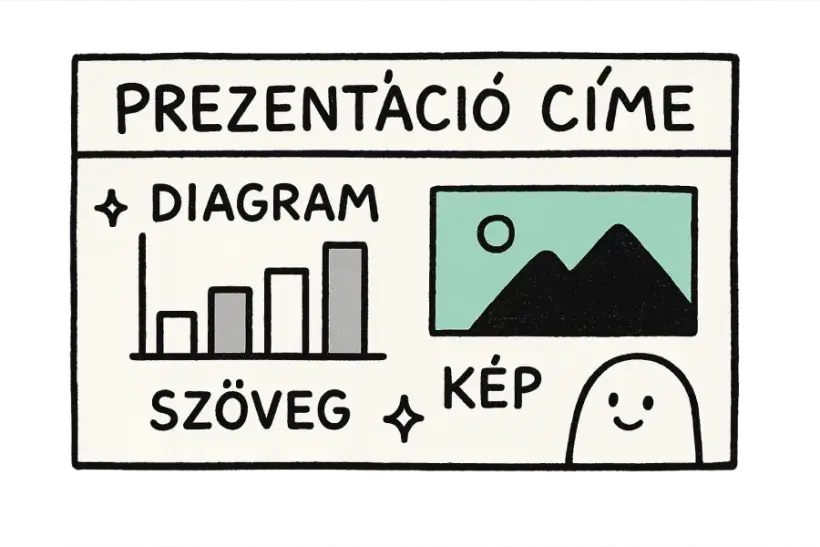
Translate PPTX presentations while every slide, shape, and chart stays exactly in place. Titles, bullets, speaker notes, and chart labels are all handled, so you get back a polished deck that's ready to present in a new language without rebuilding a single slide.

A PowerPoint slide with a chart and image being translated
Slides intact

Every slide stays on-layout

Text inside titles, bullets, shapes, and charts is translated without nudging a single element out of place. Your alignment, spacing, and animations all stay exactly as designed, so the deck looks just as polished as before.

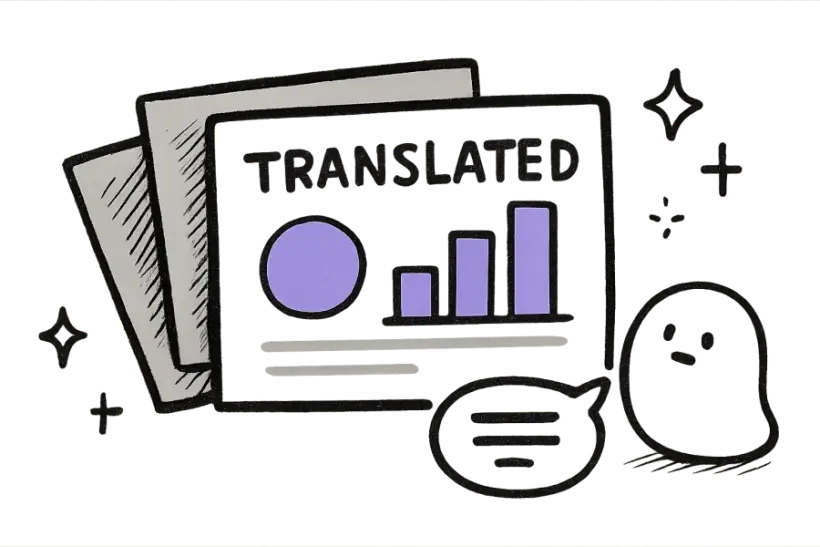
A fan of presentation slides with translated speaker notes
Speaker notes too

Notes and all, translated

Speaker notes, tables, and SmartArt text all come along for the ride, not just the visible slide content. That means the whole deck — including the talking points behind each slide — is ready to present in a new language.

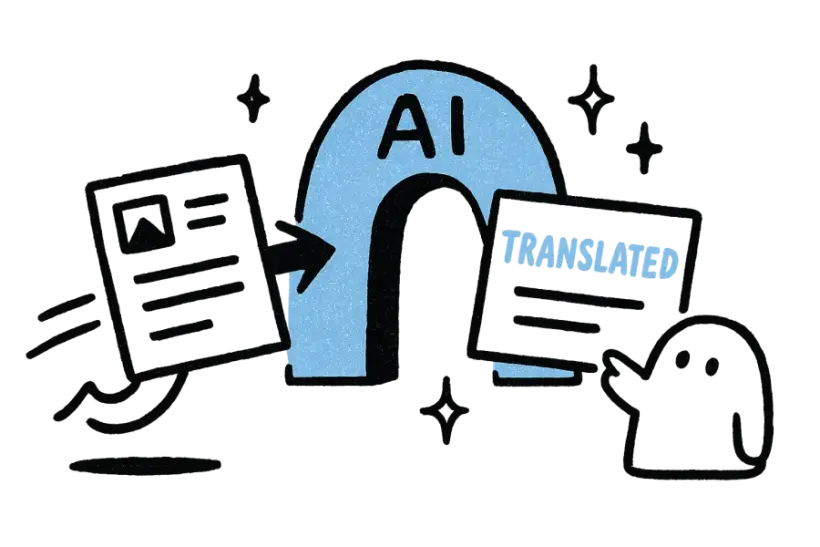
A slide deck passing through an AI archway and coming out translated
Present-ready

A polished, editable deck

You download a real, editable .pptx that opens cleanly in PowerPoint, Keynote, or Google Slides. It's a genuine presentation file, so you can fine-tune wording or design before you step on stage.

Loved by 2M+ users

Trusted for the files
that matter most.

Sales and marketing teams trust it with the decks they present to the world.

I dropped in a huge file and the layout came back perfect. Saved me a whole afternoon of copy-pasting.
Mariana LópezMariana LópezLocalization Manager
Finally a translator that doesn't wreck the formatting. Everything lined up exactly like the original.
David ChenDavid ChenProduct Marketer
The translations read naturally, not robotic. My clients honestly couldn't tell.
Aisha RahmanAisha RahmanFreelance Translator
Uploaded the file and got a clean, ready-to-share version back in under a minute.
Yuki TanakaYuki TanakaMechanical Engineer
No signup, no nonsense. Drop the file in, download the translation, move on.
Marco RossiMarco RossiGraduate Student
We run files through it across the whole team. The formatting fidelity is unreal.
Grace OkaforGrace OkaforOperations Lead
I dropped in a huge file and the layout came back perfect. Saved me a whole afternoon of copy-pasting.
Mariana LópezMariana LópezLocalization Manager
Finally a translator that doesn't wreck the formatting. Everything lined up exactly like the original.
David ChenDavid ChenProduct Marketer
The translations read naturally, not robotic. My clients honestly couldn't tell.
Aisha RahmanAisha RahmanFreelance Translator
Uploaded the file and got a clean, ready-to-share version back in under a minute.
Yuki TanakaYuki TanakaMechanical Engineer
No signup, no nonsense. Drop the file in, download the translation, move on.
Marco RossiMarco RossiGraduate Student
We run files through it across the whole team. The formatting fidelity is unreal.
Grace OkaforGrace OkaforOperations Lead

FAQ

Questions,
answered.

Does it translate text in shapes and charts?

Yes — titles, bullets, text boxes, shapes, tables, and chart labels are all translated together. Even text tucked inside grouped shapes or SmartArt is picked up, so no part of your message gets left behind in the original language.

Will my slide layout change?

No. Every element keeps its exact position, size, and styling on the slide. The translated deck matches your original layout precisely, so alignment, spacing, and design all stay intact.

Are speaker notes translated?

Yes, speaker notes are translated right alongside the on-slide content. That means whoever presents the deck has their talking points ready in the same language as the slides themselves.

How many languages are supported?

Over 150 languages are supported, with automatic source-language detection so you don't have to specify the original. You can translate in both directions between any pair your audience needs.

Is it free to use?

Yes, it's free to try with no signup and no credit card required. Upload your presentation, choose a language, and download the translated .pptx when it's ready — no account needed to get started.