Text in pictures, translated
Advanced OCR finds the text in photos, signs, menus, and screenshots, even at odd angles or in tricky lighting. It then translates that text for you, so you can understand anything you've captured.
Free · 150+ languages · No signup
Upload a JPG, PNG, or screenshot and get an accurate translation that preserves the original layout, design, and visual style.
Drop file anywhere
or
Supported formats: PDF, PPTX, DOCX, XLSX, CSV, JSON, XML, YAML, EPUB, VTT, SRT, JPG, PNG, HEIC, HEIF, WEBP, MD, TXT
Why people choose us
Translate the text inside photos and screenshots while the image itself stays untouched. Advanced OCR reads signs, menus, documents, and app screenshots, then gives you the meaning in your language — the original picture, colors, and composition stay exactly as they were.

Advanced OCR finds the text in photos, signs, menus, and screenshots, even at odd angles or in tricky lighting. It then translates that text for you, so you can understand anything you've captured.

Only the text is translated — the photo, its colors, and its composition are left exactly as they were. You keep the original image untouched and simply gain a clear understanding of what it says.

From a photographed document to an app screenshot or a street sign, just drop the image in and choose a language. In seconds you get the meaning back in your own language, wherever the text came from.
Loved by 2M+ users
Travelers, students, and teams trust it to read the world's images.
“I dropped in a huge file and the layout came back perfect. Saved me a whole afternoon of copy-pasting.”
Mariana LópezLocalization Manager“Finally a translator that doesn't wreck the formatting. Everything lined up exactly like the original.”
David ChenProduct Marketer“The translations read naturally, not robotic. My clients honestly couldn't tell.”
Aisha RahmanFreelance Translator“Uploaded the file and got a clean, ready-to-share version back in under a minute.”
Yuki TanakaMechanical Engineer“No signup, no nonsense. Drop the file in, download the translation, move on.”
Marco RossiGraduate Student“We run files through it across the whole team. The formatting fidelity is unreal.”
Grace OkaforOperations Lead“I dropped in a huge file and the layout came back perfect. Saved me a whole afternoon of copy-pasting.”
Mariana LópezLocalization Manager“Finally a translator that doesn't wreck the formatting. Everything lined up exactly like the original.”
David ChenProduct Marketer“The translations read naturally, not robotic. My clients honestly couldn't tell.”
Aisha RahmanFreelance Translator“Uploaded the file and got a clean, ready-to-share version back in under a minute.”
Yuki TanakaMechanical Engineer“No signup, no nonsense. Drop the file in, download the translation, move on.”
Marco RossiGraduate Student“We run files through it across the whole team. The formatting fidelity is unreal.”
Grace OkaforOperations LeadFAQ
Common image formats are supported, including JPG, PNG, WebP, HEIC, and HEIF. Whether it's a photo from your phone, a downloaded graphic, or a screenshot, you can drop it in and translate the text it contains.
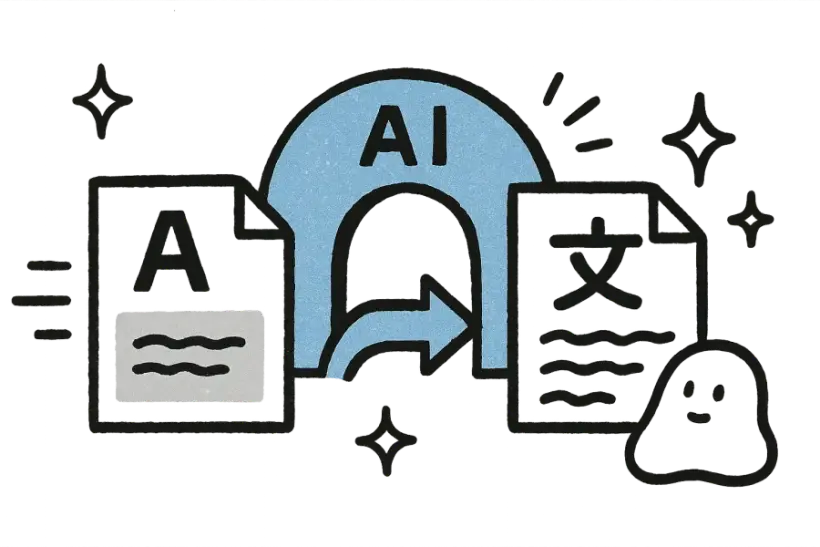
It uses optical character recognition (OCR) to detect and read the text within your image, then translates that text with AI. This works for printed signs, captions, and on-screen interface text alike.
No. The original image — its colors, detail, and composition — is preserved exactly. Only the text found in the picture is translated, so you keep the visual and simply gain an understanding of what it says.
Over 150 languages are supported, with automatic source-language detection. You don't need to know what language the text in the image is — it's recognized for you before being translated into your chosen target.
It's free to try with no signup, and your images stay private. Uploads are encrypted in transit, used only to produce your translation, and deleted automatically once they've been processed.