Kan jeg oversætte scannede PDF'er?
Ja. Indbygget OCR opdager og læser teksten i scannede sider og billedbaserede PDF'er, inklusive dokumenter du har fotograferet, og oversætter det på stedet. Det oprindelige sidelayout, billeder og placering bevares, så selv et papirdokument, du har taget med din telefon, kommer tilbage som en ren, oversat PDF.
Vil PDF-layoutet forblive det samme?
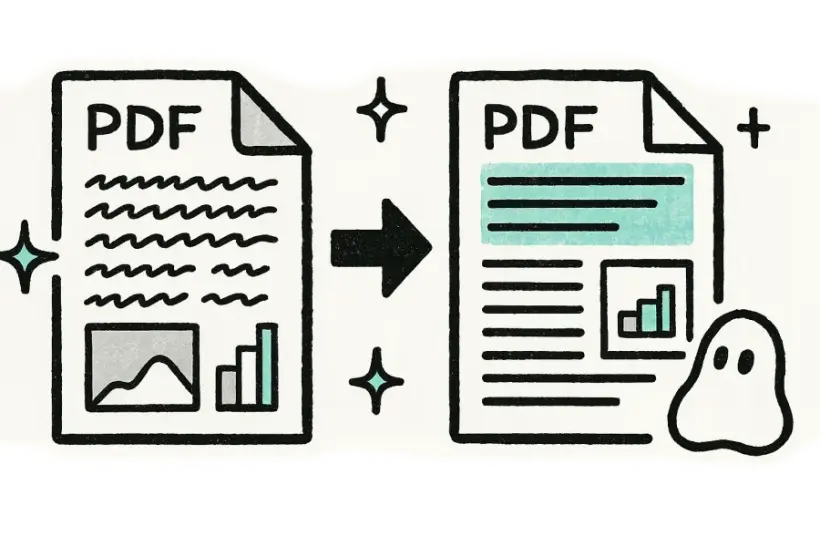
Absolut. Skrifttyper, kolonner, billeder, tabeller, overskrifter og sidefødder bevares alle i deres oprindelige positioner, så den oversatte PDF spejler kildesiden side for side. I de fleste tilfælde er der intet, der skal omformateres eller rettes bagefter — den er klar til at blive printet, sendt eller publiceret med det samme.
Hvor mange sprog kan jeg oversætte en PDF til?
Mere end 150 sprog understøttes med automatisk detektion af kildesprog, så du ikke behøver at angive originalen. Du kan oversætte i begge retninger mellem ethvert understøttet par, uanset om det er engelsk til japansk, spansk til arabisk eller en anden kombination, dit dokument har brug for.
Er PDF-oversætteren gratis?
Ja, du kan prøve den gratis uden tilmelding og uden kreditkort. Upload bare din PDF, vælg et målsprog, oversæt og download den færdige fil — der er intet at installere og ingen konto, der skal oprettes, før du får dit resultat.
Bliver mine PDF'er holdt private?
Ja. Dine uploads overføres via en krypteret forbindelse og bruges kun til at producere din oversættelse — deles eller sælges aldrig. Filer fjernes automatisk fra vores servere, når behandlingen er færdig, så dine dokumenter ikke bliver liggende nogen steder, efter du har downloadet resultatet.