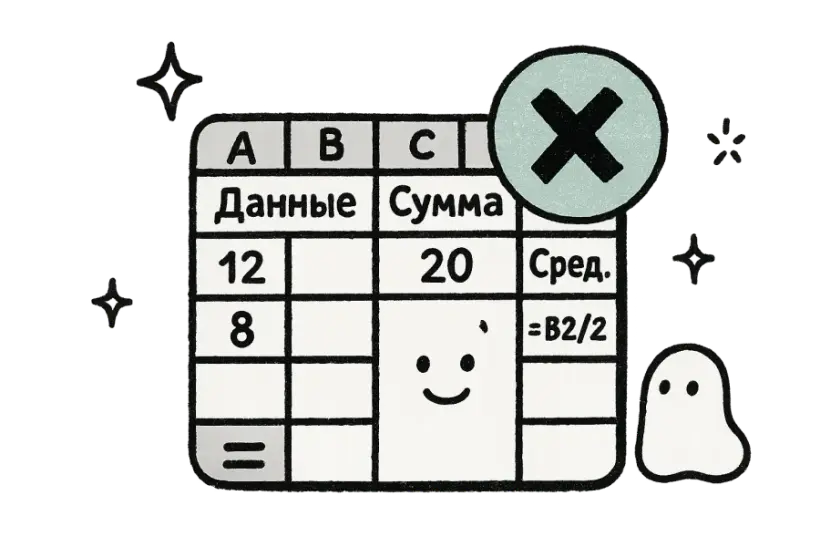
Tal er sikre
Kun ordene ændres
Etiketter, overskrifter og tekstceller oversættes, mens tal, datoer, valutaer og formler forbliver helt uændrede. Dine beregninger fungerer fortsat perfekt, så det eneste, der ændres, er sproget, dit team læser.

Gratis · 150+ sprog · Ingen tilmelding
Upload et Excel-regneark og få en præcis oversættelse, der bevarer dine celler, ark og struktur.
Slip fil hvor som helst
eller
Understøttede formater: PDF, PPTX, DOC, DOCX, XLS, XLSX, CSV, JSON, XML, YAML, EPUB, VTT, SRT, JPG, PNG, WEBP, MD, TXT
Hvorfor folk vælger os
Oversæt teksten i dine regneark, mens tal, formler og gitter forbliver helt intakte. Etiketter og overskrifter skifter sprog, men dine beregninger, datoer og cellehenvisninger fungerer præcis som før — på alle ark i projektmappen.
Etiketter, overskrifter og tekstceller oversættes, mens tal, datoer, valutaer og formler forbliver helt uændrede. Dine beregninger fungerer fortsat perfekt, så det eneste, der ændres, er sproget, dit team læser.
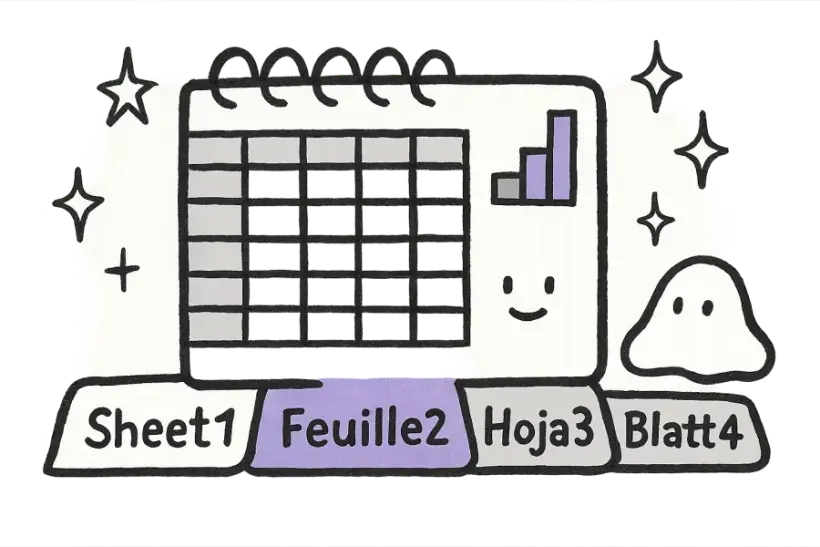
Projektmapper med flere ark håndteres fuldt ud, ikke kun den første fane. Hvert ark oversættes og bevares i sin oprindelige rækkefølge med fanenavne intakte, så en kompleks projektmappe kommer tilbage klar til brug.
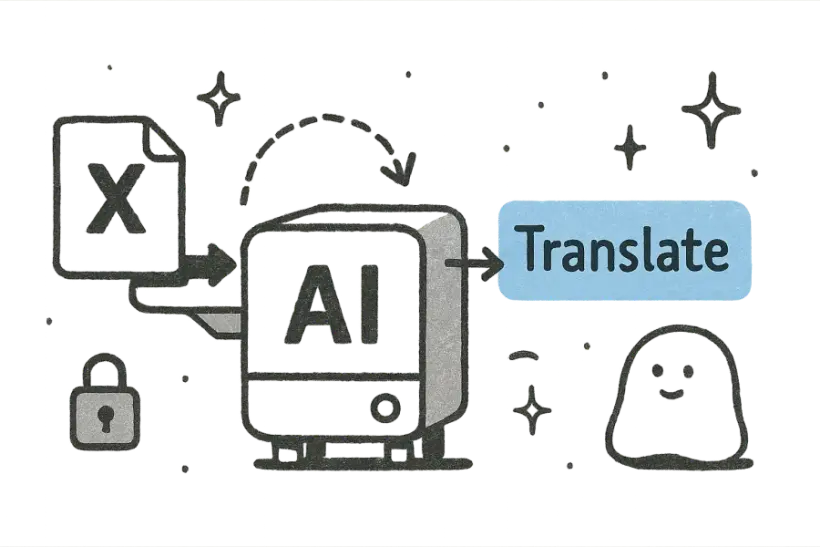
Rækker, kolonner, flettede celler og diagrammer bevarer alle deres form og placering, så gitteret aldrig forskydes. Den oversatte projektmappe åbnes og ser ud som originalen, uden ødelagte layouts, der skal repareres.
Elsket af over 2 millioner brugere
Analytikere og driftsteams stoler på det med de regneark, der driver deres arbejde.
“Jeg smed en kæmpe fil ind, og layoutet kom tilbage perfekt. Sparrede mig en hel eftermiddag med copy-paste.”
 Mariana LópezLokalisationschef
“Endelig en oversætter, der ikke ødelægger formateringen. Alt var præcis som i originalen.”
 David ChenProduktmarkedsfører
“Oversættelserne lyder naturlige, ikke robotagtige. Mine kunder kunne ærligt talt ikke se forskel.”
 Aisha RahmanFreelanceoversætter
“Uploadede filen og fik en ren, klar-til-del-version tilbage på under et minut.”
 Yuki TanakaMaskiningeniør
“Ingen tilmelding, ingen bøvl. Smid filen ind, download oversættelsen, og kom videre.”
 Marco RossiKandidatstuderende
“Vi kører filer igennem det på hele holdet. Formateringens nøjagtighed er helt utrolig.”
 Grace OkaforDriftsleder
“Jeg smed en kæmpe fil ind, og layoutet kom tilbage perfekt. Sparrede mig en hel eftermiddag med copy-paste.”
Mariana LópezLokalisationschef“Endelig en oversætter, der ikke ødelægger formateringen. Alt var præcis som i originalen.”
David ChenProduktmarkedsfører“Oversættelserne lyder naturlige, ikke robotagtige. Mine kunder kunne ærligt talt ikke se forskel.”
Aisha RahmanFreelanceoversætter“Uploadede filen og fik en ren, klar-til-del-version tilbage på under et minut.”
Yuki TanakaMaskiningeniør“Ingen tilmelding, ingen bøvl. Smid filen ind, download oversættelsen, og kom videre.”
Marco RossiKandidatstuderende“Vi kører filer igennem det på hele holdet. Formateringens nøjagtighed er helt utrolig.”
Grace OkaforDriftslederFAQ
Nej. Kun tekstværdier som etiketter og overskrifter oversættes, mens tal, datoer, valutaer og formler forbliver helt uændrede. Dine beregninger fungerer præcis som før.
Ja, hvert ark i projektmappen oversættes og bevares i sin oprindelige rækkefølge med fanenavne intakte. Du behøver ikke at opdele filen eller oversætte faner én ad gangen — hele projektmappen håndteres på én gang.
Ja — kolonner, rækker, flettede celler og diagrammer bevarer alle deres struktur og placering. Den oversatte projektmappe åbnes og ser ud som originalen, så du kan bruge den med det samme uden at skulle genskabe tabeller.
Mere end 150 sprog understøttes i begge retninger med automatisk kilde-sproggenkendelse. Vælg ethvert målsprog, du har brug for, og originalen genkendes automatisk uden manuel opsætning.
Nej, det er gratis at prøve uden tilmelding, uden kreditkort og uden installation. Bare upload dit regneark, vælg et sprog, og download den oversatte projektmappe, når den er færdig.